
How it Works
-
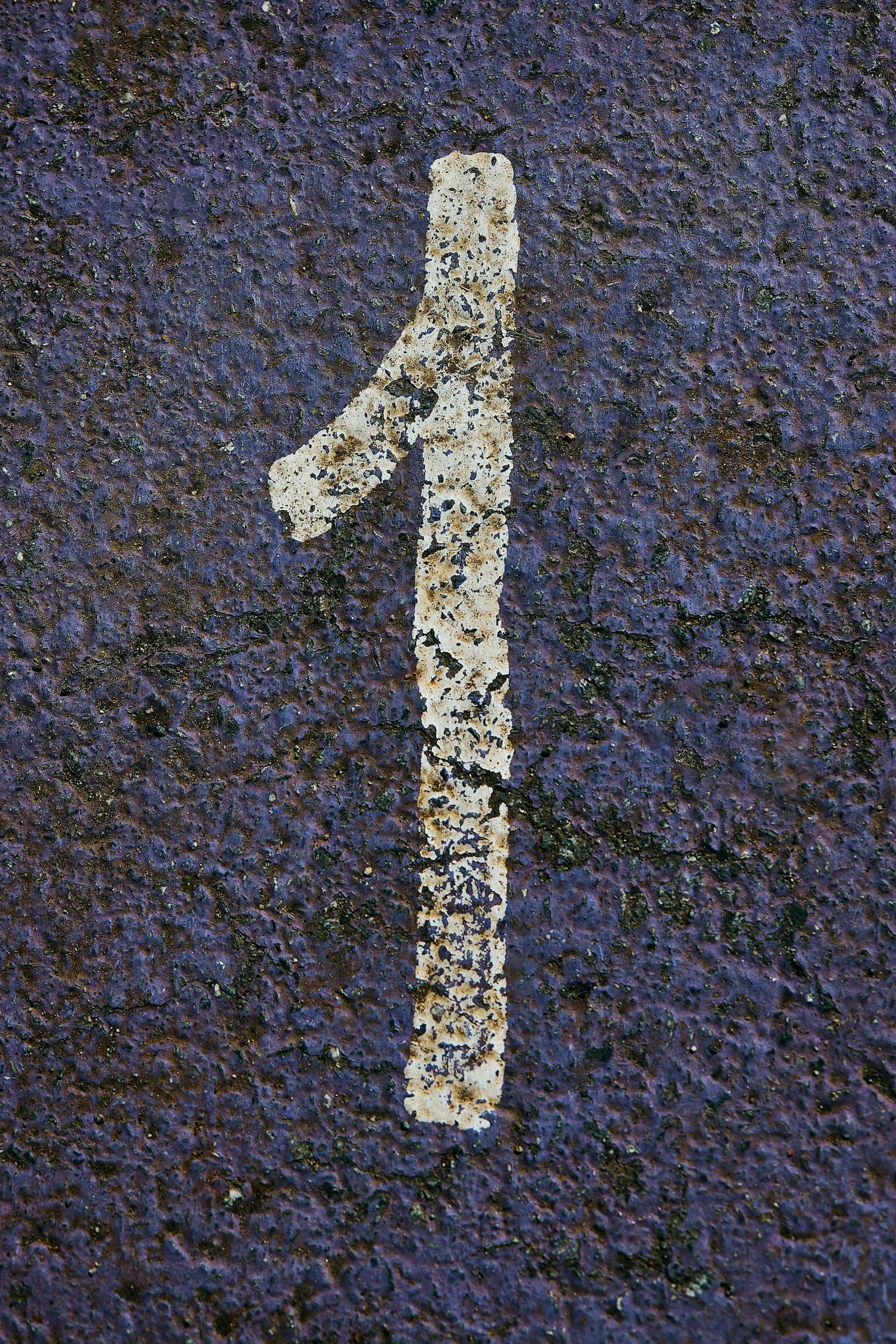
Create an Account or Log In
You’ll need to create a free CitySpark account or log in to an existing account before submitting your event.
-
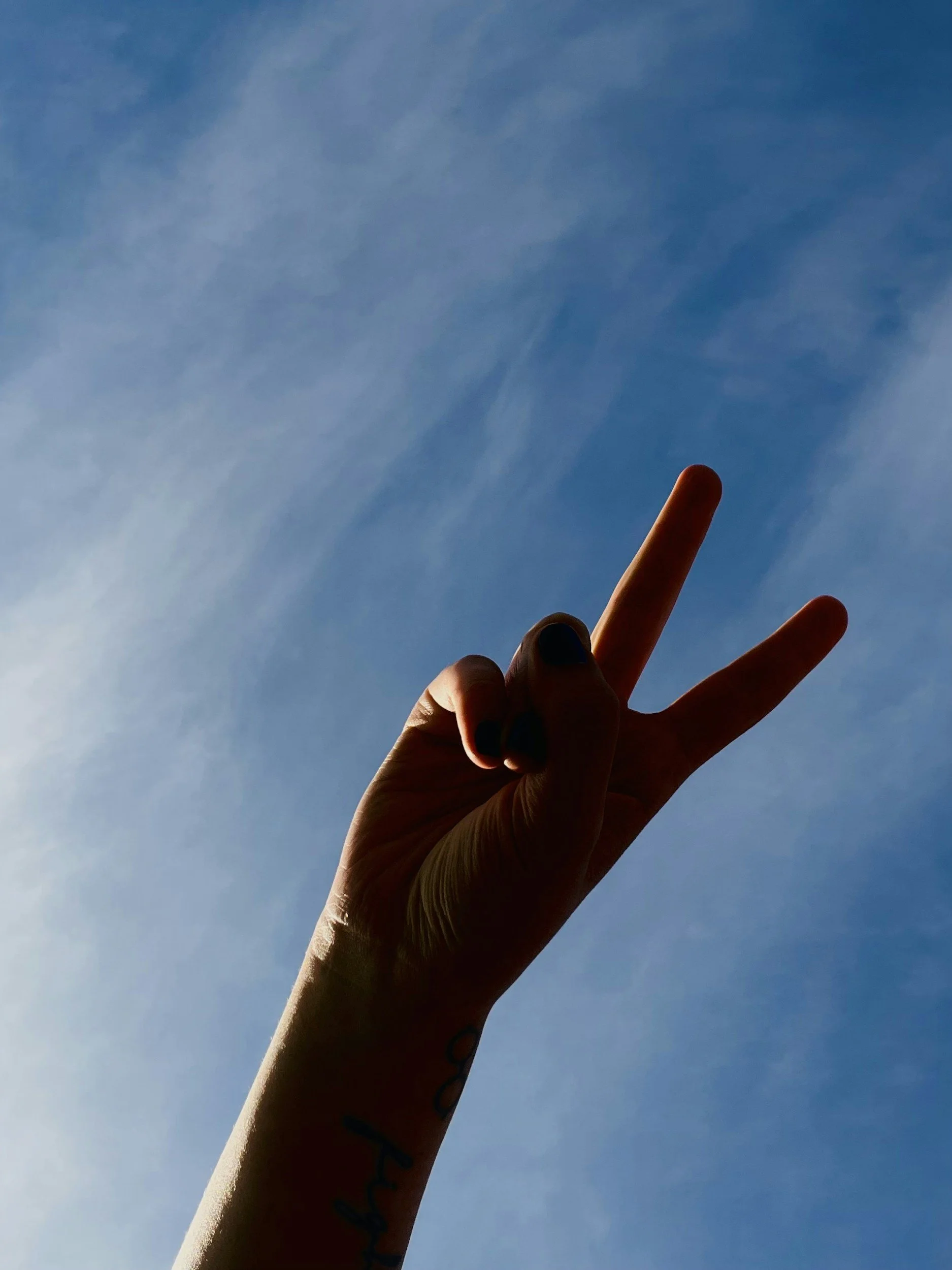
Complete Your Event Details
Event name: Use a clear title that helps people quickly understand your event.
Date and time: Include the start and end times, along with any recurring event details if applicable.
Location: Enter an address that best describes the location of your event.
Description: Share details about what attendees can expect, who the event is for, and any important information.
Event image: Add a photo or graphic to help your event stand out. The recommended image size is 700 x 500 pixels (a 7:5 ratio). JPEG and PNG files are accepted.
-
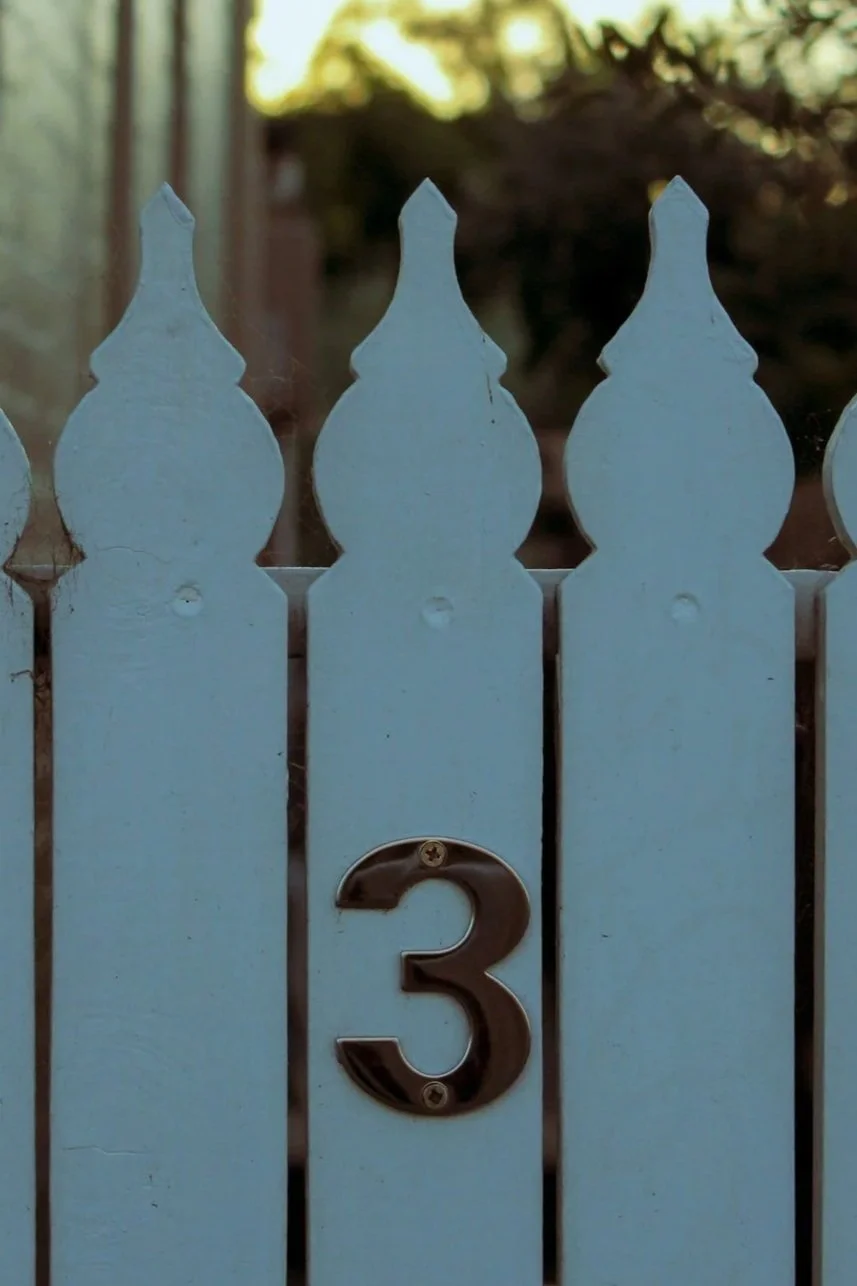
Choose Your Sharing Preferences/Promotions
During submission, you will see an sharing option labeled “Event Sharing” with “Public” or “Make Private” Selecting “Public” allows your event to be considered for sharing beyond the Hollingsworth Park Community Calendar through other calendar networks and community event feeds.
NO PAID EVENT PROMOTION IS REQUIRED TO SHARE EVENTS TO THE CALENDAR. Choose the “basic listing” option to continue.
-
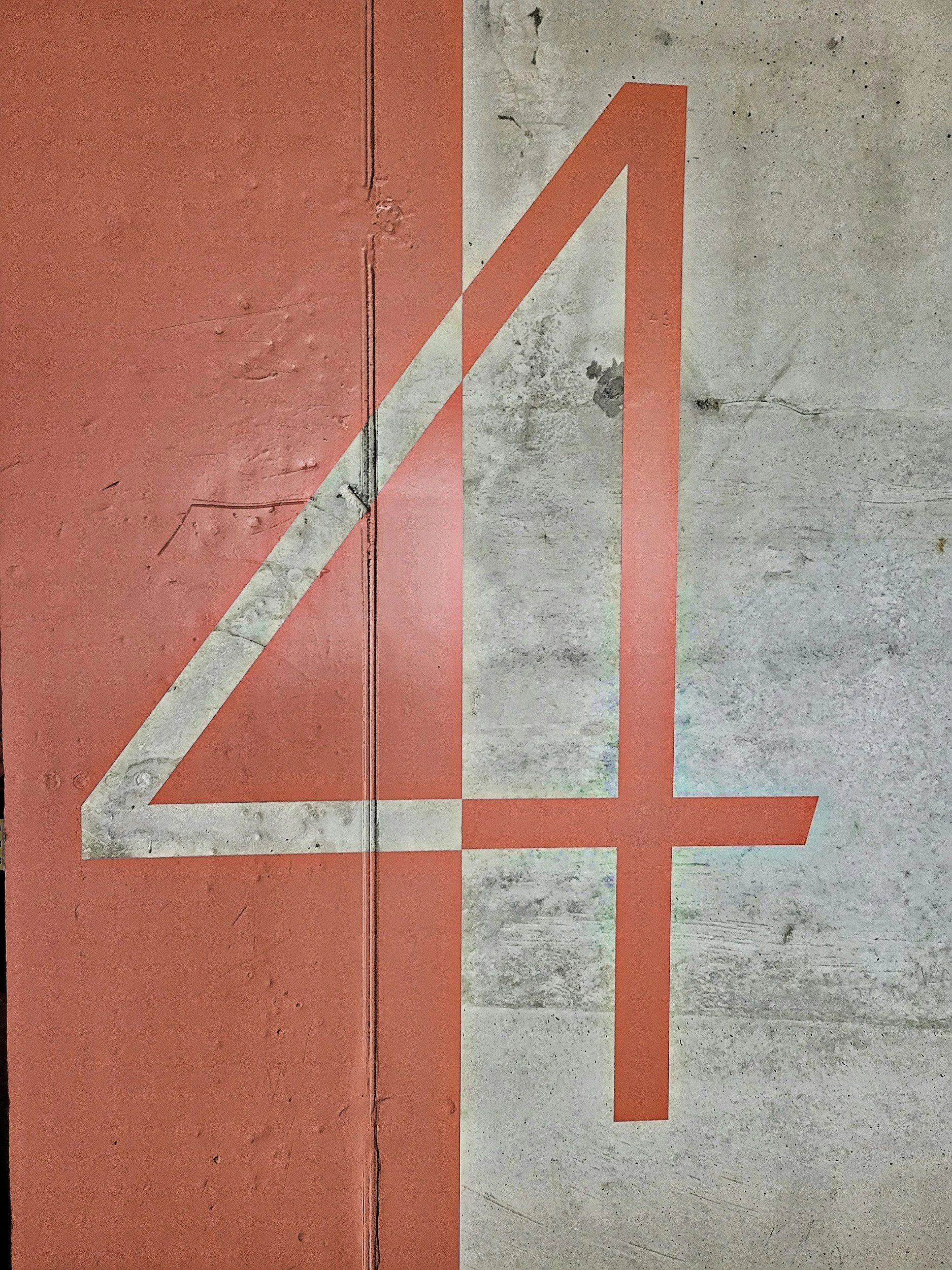
Submit for Review
After you submit your event, it will be reviewed before appearing on the Hollingsworth Park Community Calendar. Once approved, your event will be visible to neighbors looking for ways to connect and participate.
Who Can See My Event?
Events submitted to the Hollingsworth Park Community Calendar are reviewed and, if approved, shared publicly on our community calendar. Depending on your sharing selections, your event may also be eligible to appear on additional calendars and community event feeds.